The short version
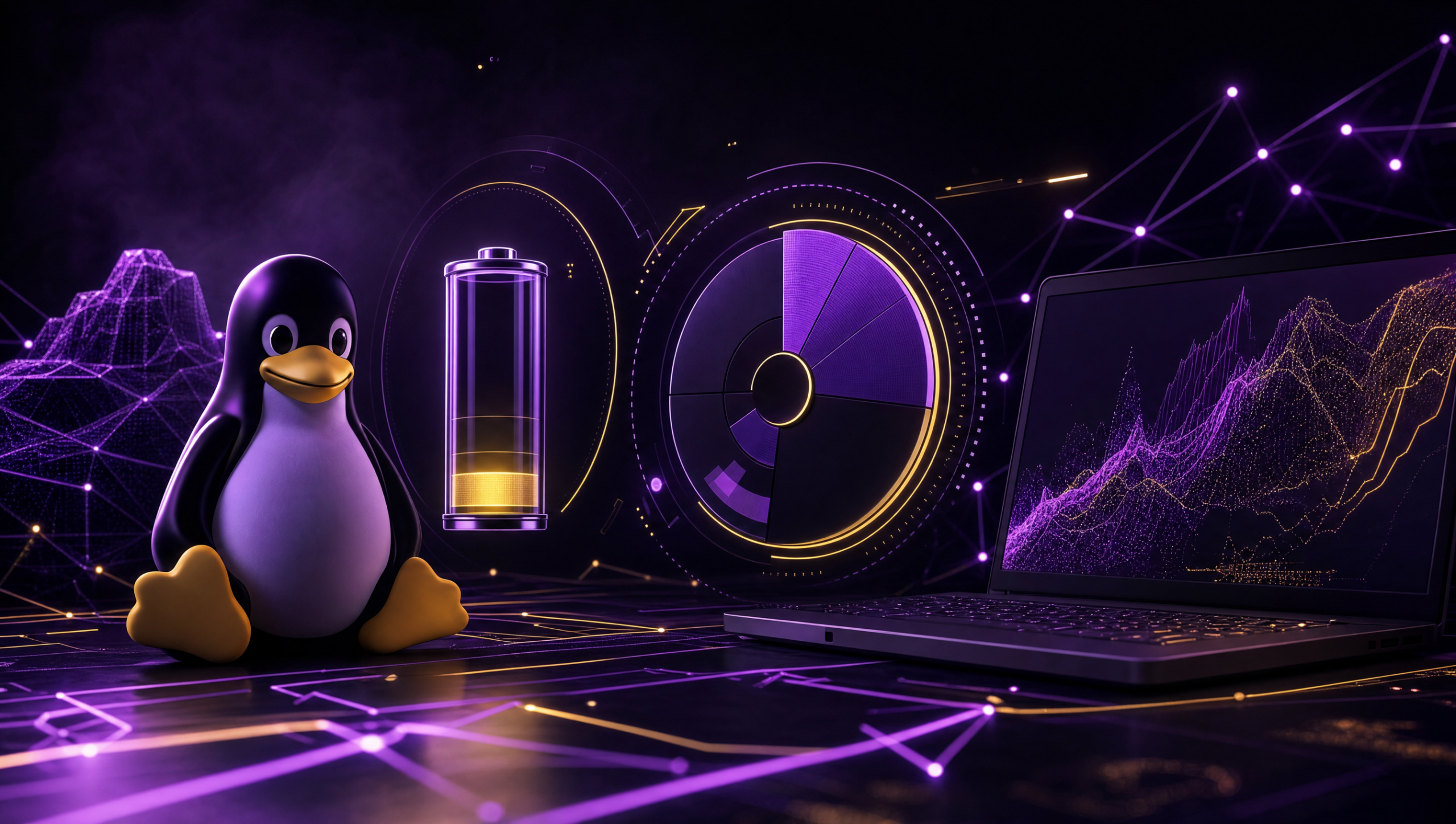
Mission Center, a free Linux system monitor, now offers detailed battery, GPU, and memory tracking alongside core system monitoring and process control.
Mission Center, a free and complete system monitor for Linux, now packs even more power. Its newest release brings in-depth battery health checks for laptops and accessories, better GPU and memory tracking, and strong process oversight. This turns it into a top-tier, unified tool for anyone who wants a clear picture of their computer’s performance and resources.
Key takeaways
- Monitors detailed laptop battery data (charge cycles, voltage, power) and peripheral batteries (e.g., wireless mice).
- Tracks GPU power draw, clock speeds, temperature, and video encode/decode activity.
- Displays memory compression statistics, useful for systems using zRAM or zswap.
- Provides real-time CPU, memory, disk, and network monitoring with process control (stop/force stop).
- Available for free via Snap, AppImage, and other packages for easy installation on most Linux distros.
Comprehensive Battery Monitoring for Laptops and Peripherals
Mission Center’s new Battery page gives you a full view of your laptop’s power. You’ll see charge percentage, voltage, power draw, time to full, and total charge cycles. It also shows physical battery details like the serial number, type, full energy capacity, and minimum voltage. This goes far beyond what most desktop environments show; KDE Plasma, for instance, might only display Time To Full and Battery Health.
Peripheral Battery Monitoring
You can also check batteries in your accessories. For a wireless mouse, Mission Center will show its current charge, serial number, battery type, and power system. Now you can track the power health for your main laptop and connected gadgets from one central screen.
Enhanced Memory and GPU Performance Tracking
The Memory page now includes compression statistics. This is a big help for systems using zRAM or zswap. On a test system set to use 16GB of zRAM for compression, the interface clearly showed this adjustment in the ‘Swap available’ details, which would be much smaller without compression active.
Detailed GPU Monitoring
You now get a new GPU Power Draw reading, plus clock speeds and temperature data. This is crucial for GPU-heavy tasks like gaming or AI work, as it lets you watch usage when the GPU takes over from the CPU.
The same screen has a Video encode/decode utilization graph. It activates and shows activity during video processing. Simply playing a YouTube video will trigger this graph, giving you a direct look at GPU use during media playback.
Core System Monitoring and Process Management
Mission Center tracks CPU, memory, disk, and network use in real time. It shows live app and process resource consumption and lets you stop or force-quit running programs.
You can also configure update speeds, merge process states, and save your sorting or filtering choices. The team rebuilt the graphing backend for smoother animations and rendering, too.
Detailed Process Control
Inside the tool, you get detailed stats for every running application and system process. This screen allows direct control, with options to end processes normally or force them to close if they freeze.
Its process list supports merging process states and remembers how you sort things between sessions. These options create a full and adaptable view of your system’s activity and what resources it’s using.
Additional Improvements and Installation
Beyond new monitoring, Mission Center has several core upgrades. Other enhancements include a rebuilt graphing engine for smoother animations, an improved Snap package using the core24 runtime, and a smaller AppImage file. The developers added new keyboard shortcuts, and the Networks section now shows the connection state.
Installation
This app is free and works on most Linux distributions. You can get it through several package formats, including the updated Snap and AppImage bundles, making setup simple for a wide range of users.
📡 Original reporting: ZDNet AI. AI Craft Technologies’ news engine summarised and rewrote this story in our own words; facts are drawn from the linked source.
⚙️ How this article was made — fully automated
This is a live demo of the ACT News Factory engine. Want one running on your own site? See our services →